
Build an Assumption Register From a Concept Render
A concept render should produce a design assumption log, not a list of reactions. Record what the image shows, what it may suggest, what remains unresolved, and which review should address the uncertainty.
This structure keeps silhouette, proportion, finish, transitions, scale cues, and apparent control reach connected to a next action. It also keeps visual polish from being mistaken for evidence about dimensions, mechanisms, ergonomics, materials, manufacturing, safety, compliance, market response, or source-use permission.
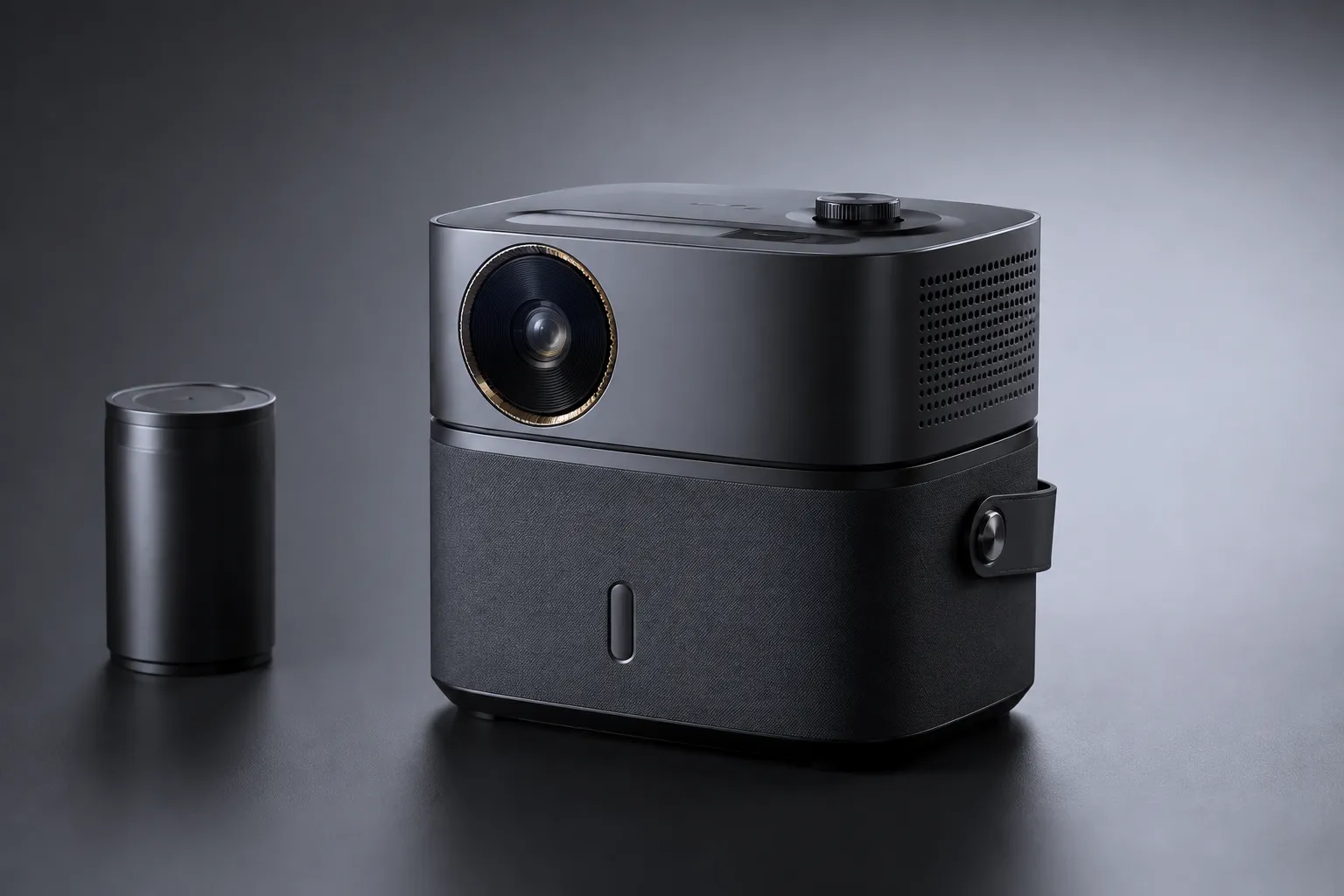
Start With the Visible Cue
Describe the image before explaining its meaning. A useful observation identifies a feature that another reviewer could locate in the same view.
- The outer silhouette narrows toward one end.
- A broad surface changes direction near the rear.
- The transition between two surfaces appears sharp or softened.
- A control is visible on the upper face.
- A hand, object, or familiar reference provides a scale cue.
- The render presents one dominant viewing angle.
- A surface appears matte, glossy, textured, metallic, or translucent.
- A gap or seam is visible between two parts.
Keep the description literal. “The body looks ergonomic” is an interpretation. “The upper surface curves toward the side wall” is an observation.
A fixed image can make incomplete information appear settled. Research on uncertainty visualization describes a related issue in digital models: visual precision can encourage assumptions about information that remains vague or incomplete. Treat that as a reason to label uncertainty, not as proof that every render misleads.
Use Four States in the Design Assumption Log
A compact register can separate the observation from the decision it may influence.
| Field | What to record |
|---|---|
| View or image area | The render, crop, or region containing the cue |
| Shown | The observable visual detail |
| Inferred | The interpretation a reviewer might make |
| Unresolved assumption | What remains unknown or unstable |
| Consequence | Why the uncertainty matters for review |
| Route | The model review, technical review, source check, or physical assessment needed |
| Next action | The specific question or artifact to produce |
| Status | Open, clarified, routed, or addressed by documented evidence |
Do not merge the shown and inferred fields. Do not hide the unresolved assumption inside a general note such as “needs more work.”
Shown: A small control appears near the front edge of the upper surface.
Inferred: The control may be intended for operation by the user’s index finger.
Unresolved: Its reach, activation direction, clearance, and relationship to the grip are unknown.
Route: Compare a dimensioned model with a physical-use or ergonomic assessment.
Next action: Mark the intended hand position and compare the control location against the stated use posture.
The render communicates an intention. It does not settle the interaction.
Separate Silhouette and Proportion From Measurement
Silhouette can reveal intended massing, visual balance, taper, and the relationship between major forms. Record those observations before discussing dimensions.
Shown: The rear volume appears taller than the front volume.
Inferred: The design may be assigning greater visual or functional weight to the rear section.
Unresolved: Relative height, internal volume, support method, and actual center of mass remain unknown.
Next action: Compare the render with orthographic views or a dimensioned CAD model.
Proportion is relational. Perspective, lens choice, camera height, cropping, and object rotation can change how wide, long, or heavy a feature appears. Use phrases such as “appears wider in this view,” “reads as visually dominant,” and “requires confirmation from another view.”
Do not convert visual proportion into precise measurement unless a known scale reference and suitable documentation support that conclusion.
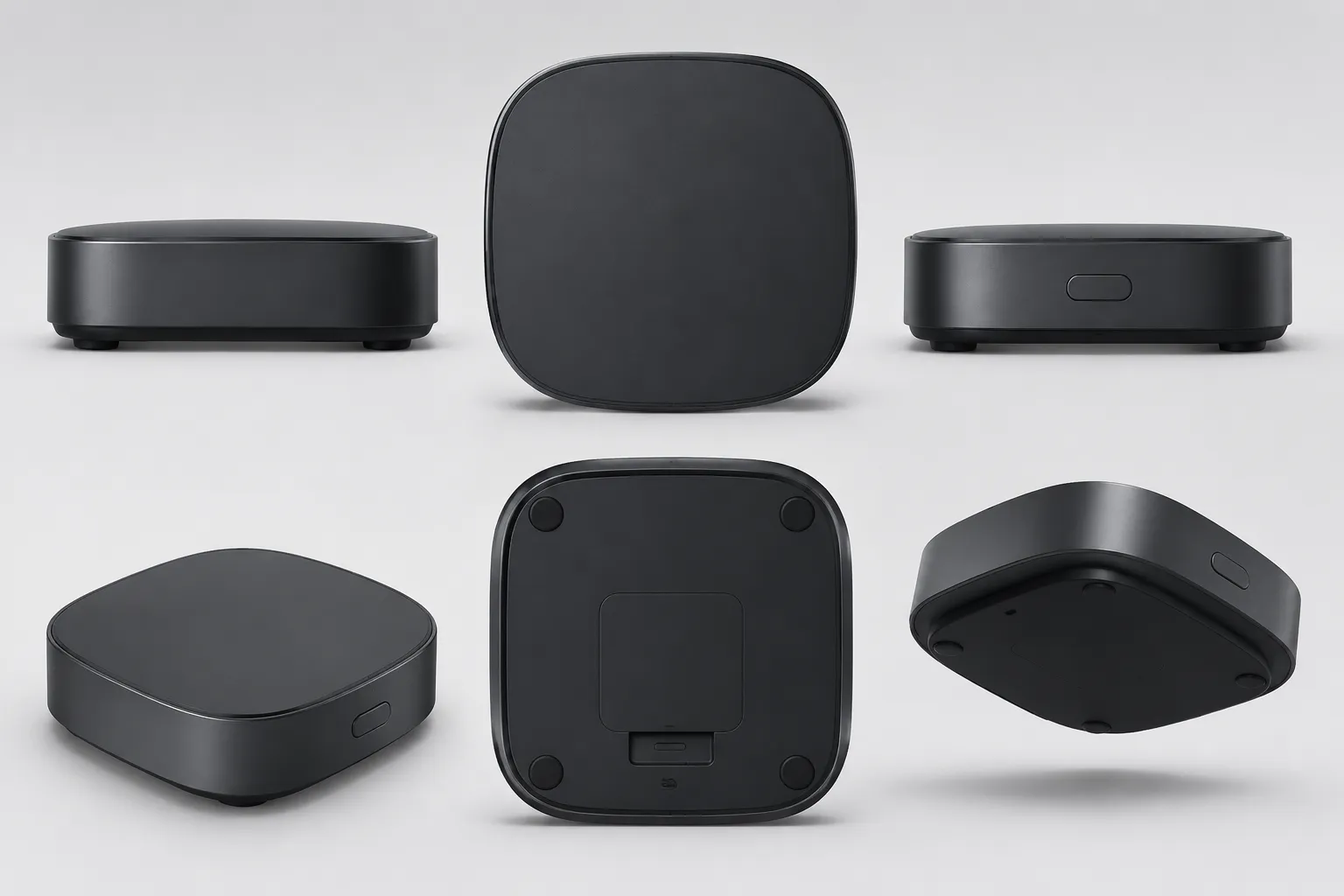
Record the Render Viewing Angle
A concept render is not a neutral object view. Camera position controls which surfaces, transitions, gaps, and controls are visible.
- Front three-quarter view
- Side-biased view
- Elevated view
- Low viewing angle
- Cropped detail
- Single hero view
- Multiple consistent views
Then record what the chosen angle reveals and suppresses. An elevated view may clarify the top surface while hiding the underside. A low view may emphasize massing while obscuring control access. A close crop may show a finish transition while removing the scale cue needed to interpret it.
Shown: The render exposes the top and front surfaces but does not show the underside.
Inferred: The visible body may be supported by a continuous lower structure.
Unresolved: Base shape, mounting method, clearance, and adjacent interfaces are unknown.
Next action: Request an underside view or inspect the corresponding model geometry.
The missing view belongs in the assumption record. It explains why the question remains open.
Treat Apparent Control Reach as an Inference
Controls, handles, openings, and touch points invite immediate ergonomic conclusions. A render can show their apparent location and orientation. It cannot establish comfortable reach, force, clearance, grip stability, or use across different hands and postures.
Shown: A control is placed close to the outer edge on the visible side.
Inferred: The control may be intended for access without releasing the main grip.
Unresolved: Reach distance, finger clearance, actuation travel, visibility during use, and left- or right-hand access are unknown.
Next action: Define the intended use posture, place the control in a dimensioned model, and route the question to physical-use review.
This preserves a useful design hypothesis without presenting it as an ergonomic result.
Describe Finish Without Overreading Material Behavior
Surface treatment influences how a concept is read. A dark glossy panel may appear separate from a matte body. A fine texture may suggest grip or concealment. A bright edge break may make a transition appear sharper.
These are visual effects. Record them as effects.
Shown: The side surface appears matte while the upper panel appears reflective.
Inferred: The render may be communicating a material or finish contrast between the two areas.
Unresolved: Actual material, coating, texture durability, reflectance under different lighting, and production process are unknown.
Next action: Record the intended finish separately and route material behavior to the appropriate technical review.
A finish cue can support a presentation decision. It cannot establish material performance or manufacturing feasibility.
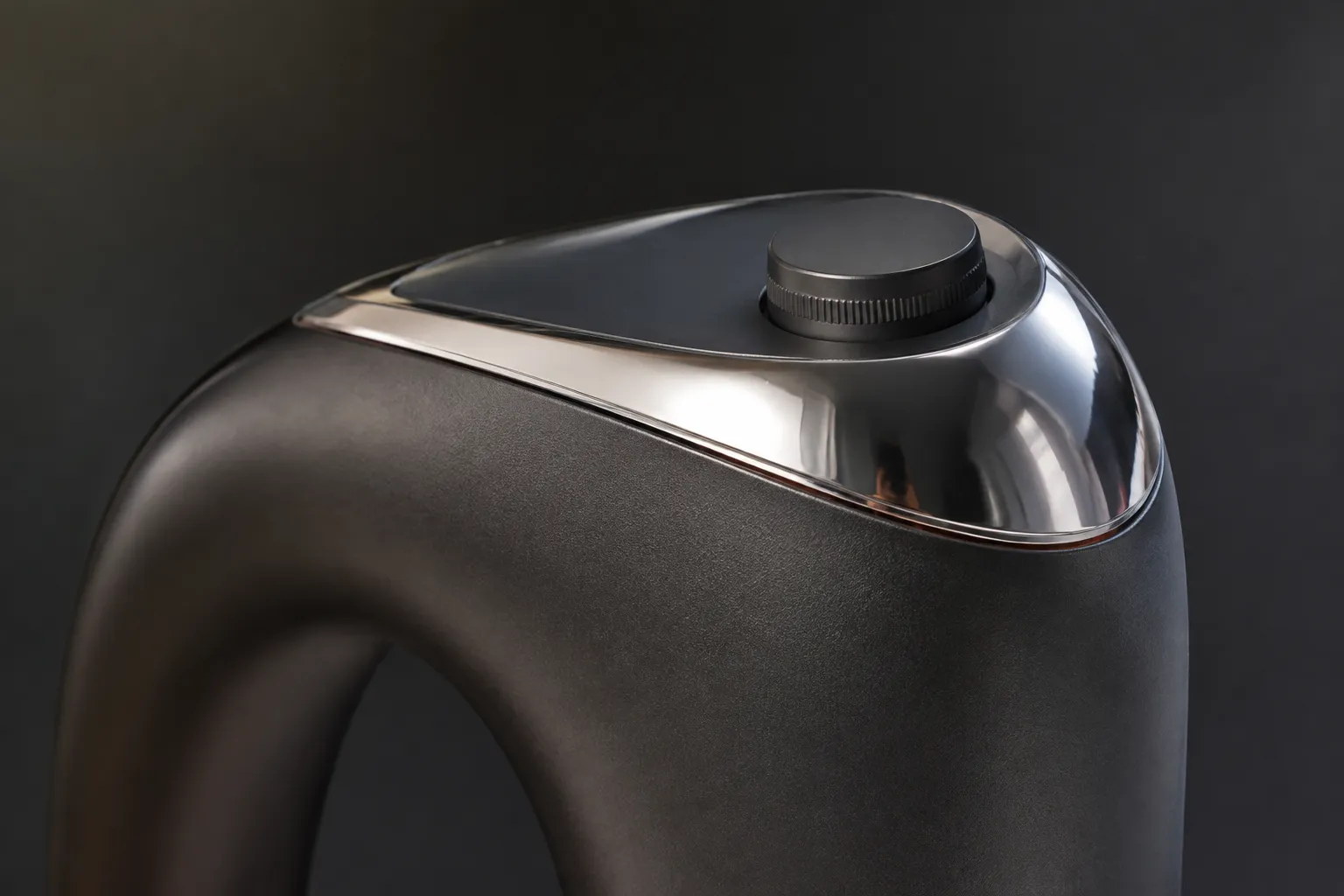
Connect Each Assumption to a Consequence
An assumption becomes useful when the team knows why it matters.
- A hidden surface may change the perceived massing.
- An uncertain proportion may alter comparison between concept directions.
- An apparent control position may affect the intended use scenario.
- An unresolved transition may change the perceived part structure.
- An absent scale cue may distort discussion of size.
- An unverified finish may create an unsupported material expectation.
- A fixed view may conceal an interface, gap, or obstruction.
Keep the consequence specific. “This could cause problems later” does not guide review. “The missing underside prevents comparison of base clearance” does.
Route Unresolved Questions to the Right Review
CAD or Dimensional Review
Use this route for proportion, spacing, alignment, section shape, mounting position, and other geometry questions.
Engineering or Manufacturing Review
Use this route for interfaces, part separation, transitions, assembly logic, and process assumptions. Research on design-for-manufacturability feedback concerns how such information is communicated and interpreted. A concept render alone does not provide that feedback.
Physical-Use or Ergonomic Review
Use this route for reach, grip, posture, clearance, visibility during operation, and apparent control access. The render identifies the question; it does not answer it.
Compliance or Safety Review
Use this route when the concept raises questions about required clearances, materials, protective features, labeling, or regulated use contexts. Do not mark these questions as resolved because the image looks complete.
Source and Rights Review
Use this route when the render includes a reference image, recognizable product detail, supplied asset, or externally sourced visual material. Visual resemblance does not establish reuse permission. Record the source context separately.
A Compact Worked Example
The following example is illustrative. It assumes a concept render showing a compact handheld object with a tapered body, a top control, and contrasting surface finishes.
| Shown | Inferred | Unresolved | Next route |
|---|---|---|---|
| The body tapers toward the front | The design may be reducing apparent front mass | Actual taper, internal volume, balance, and structural arrangement | CAD review |
| A control sits near the upper edge | The control may be intended for thumb or finger access | Hand position, reach, clearance, activation, and use posture | Physical-use review |
| A bright line separates two surfaces | The render may be communicating a part break or finish transition | Whether the line represents a seam, edge break, shadow, or graphic treatment | CAD and engineering review |
| The upper panel is reflective | The concept may rely on contrast between surfaces | Actual material, coating, reflectance, durability, and process | Material review |
| No underside is visible | The image prioritizes the upper massing | Base geometry, support, clearance, and interface | Additional view or model review |
The value of the table is the separation between what the image communicates and what the next stage must establish.
Close Each Open Row With an Executable Handoff
End an open row with an action another reviewer can perform.
- Weak: Check ergonomics later.
Stronger: Mark the intended grip on the next model view, then review control reach against the stated use posture. - Weak: Confirm feasibility.
Stronger: Identify the assumed part split and transition, then route the geometry to manufacturing review with the relevant process question attached. - Weak: Verify materials.
Stronger: Replace the finish impression with a named material or finish assumption, and record which behavior remains untested.
Design reviews vary by phase and participant role. A fixed concept render may support discussion of direction, while later reviews may require additional views, accessible model information, CAD, engineering feedback, or physical assessment. The handoff should state what information is missing rather than imply that the render contains it.
Final QA for the Register
- Every important visual claim has a corresponding image area or view.
- Observations are written separately from interpretations.
- Inferences use bounded language such as “may,” “appears,” or “suggests.”
- Unresolved assumptions identify the missing information.
- Consequences explain why each open item matters.
- Routes distinguish CAD, engineering, physical-use, compliance, and rights questions.
- Viewing angle and missing views are recorded.
- Scale cues are described without treating them as dimensional proof.
- Photorealistic finish is not treated as material or production evidence.
- No row is marked addressed without a document, model, review, or test that answers the question.
A design assumption log is useful when the next reviewer can locate the evidence, understand the inference, identify the uncertainty, and begin the appropriate verification. Decide the visible direction now. Route dimensions, behavior, production, compliance, and rights questions to the artifact or review that can address them.
Sources
- The effect of sketch and render quality and design experience on concept evaluation in engineering design | Research in Engineering Design | Springer Nature Link
- A Survey of Design Reviews: Understanding Differences by Designer-Roles and Phase of Development | Proceedings of the Design Society: International Conference on Engineering Design | Cambridge Core
- Vagueness visualization in building models across different design stages
- Design and Evaluation of Designer Feedback System in Design for Manufacturability
- Survey of Model-Based Design Reviews: Practices & Challenges? | Proceedings of the Design Society | Cambridge Core
- Analyzing the potential of Virtual Reality for engineering design review